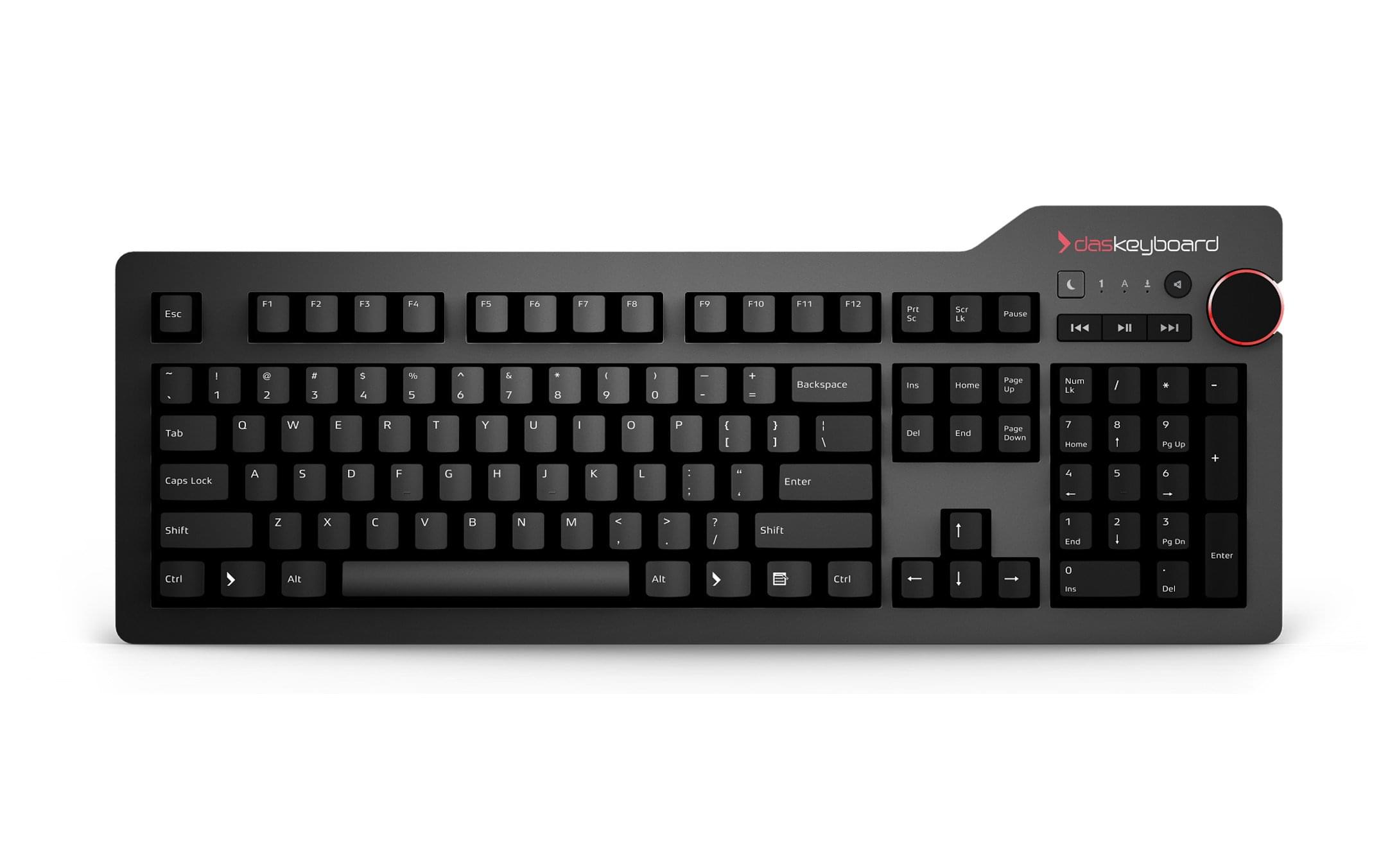
What keyboard do you use?

CLKeenan

Banned
Jun 24, 2006
2,506
14
0
Boston, MA
Just got myself 2 of these bad boys: from mwave.com

Going to use them instead of my laptop monitor + 22" LCD. Makes sense to just keep the laptop screen closed, put it aside and setup camp with a (wireless) keyboard and look right at the 2, 23.6" beauties.

I prefer typing on laptop keyboards vs. desktop keyboards. The thick keys seem to get to me. With that said, any recommendations?


DsMYU.jpg
 
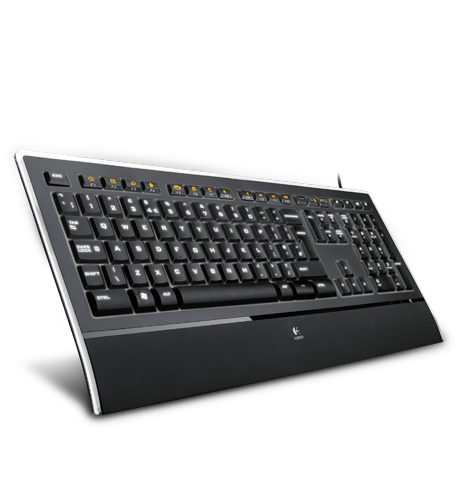
This is my current setup and I love it. I am the same as I prefer laptop keyboards over bigass buttons.

Illuminated Keyboard

14557.png


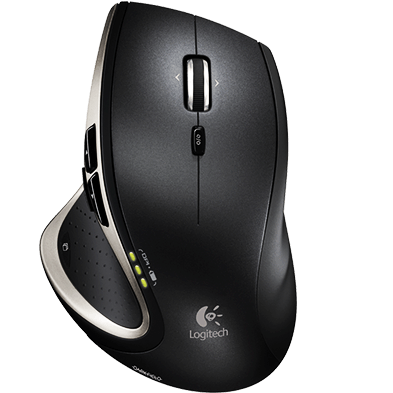
Performance Mouse MX?

19678.png


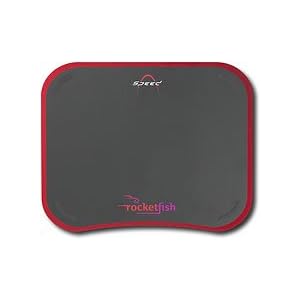
[ame="http://www.amazon.com/Rocketfish-RF-MSEPAD-Mouse-pad-black/dp/B001719CMI"]Amazon.com: Rocketfish RF-MSEPAD - Mouse pad - black: Electronics[/ame]


21Wnl13x3oL._SL500_AA300_.jpg


Together this is sweet setup. The mouse pad is double sided. one side slick for fast and easy mouse movement the other is for control. I little more resistant which is nice for doing photoshop shit.

I can't say enough about the mouse its badass and has been the best wireless rechargeable I have ever had.

The keyboard is just what I need and not anything else. Has illuminated keys for night stealth scrapping missions. Another thing cool is that the mouse and keyboard do really well for games. Turn off all the lights, turn up teh speakers and crank up some Dead Space for some badass scary shit.
 
I used to use that Apple keyboard and the Mouse, but the more I worked, the more my hands hurt.

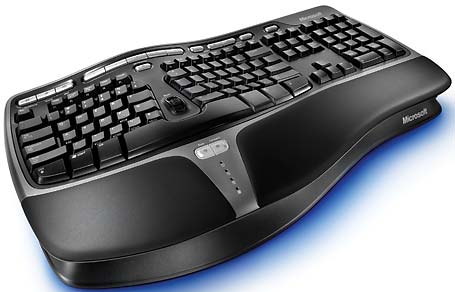
I know you said you want a laptop keyboard, but I use this with my Macbook Pro and it works great....

Natural Ergonomic Keyboard 4000

It is ugly as hell and huge, but works great - especially with the matching ergonomic mouse, both wireless...
 
This is my current setup and I love it. I am the same as I prefer laptop keyboards over bigass buttons.

Illuminated Keyboard

14557.png


Performance Mouse MX?

19678.png


Amazon.com: Rocketfish RF-MSEPAD - Mouse pad - black: Electronics


21Wnl13x3oL._SL500_AA300_.jpg


Together this is sweet setup. The mouse pad is double sided. one side slick for fast and easy mouse movement the other is for control. I little more resistant which is nice for doing photoshop shit.

I can't say enough about the mouse its badass and has been the best wireless rechargeable I have ever had.

The keyboard is just what I need and not anything else. Has illuminated keys for night stealth scrapping missions. Another thing cool is that the mouse and keyboard do really well for games. Turn off all the lights, turn up teh speakers and crank up some Dead Space for some badass scary shit.

Exact setup minus the mousepad at home and at the office :bowdown:
 
Question: Being left handed it is always a pain to find a good mouse that works. The one 1nspire recommends would be amazing except it goes the wrong way. So what is the favorite mouse for lefties.

I am using a generic Logitech mouse right now.
 
[ame=http://www.amazon.com/Microsoft-Wireless-Media-Desktop-Black/dp/B001B8CU8U]Amazon.com: Microsoft Wireless Media Desktop 1000 (Black): Electronics[/ame]

Bought it for $5 when Circuit City went out of business. Thought it would suck, but have loved it ever since.
 
OP's question was answered but I thought I'd throw this in: Unicomp keyboards are sweet if you like clicky keys. Unicomp has the rights to the old school IBM keyboard manufacturing technology - buckling spring - and they've updated the keyboards for USB/wireless.

They're loud for sure, esp. compared to the superquiet keyboards like above. It's definitely love it or hate it. I learned to type on an old-ass ink typewriter when I was young so I'm used to feeling movement and hearing something click when I type.

If you ever used an old school IBM Model M keyboard, Unicomps are their successors.

This one is relatively compact and has an integral mouse stick and mouse buttons on the keyboard. I dig it.

pckeyboards_2097_767812
 
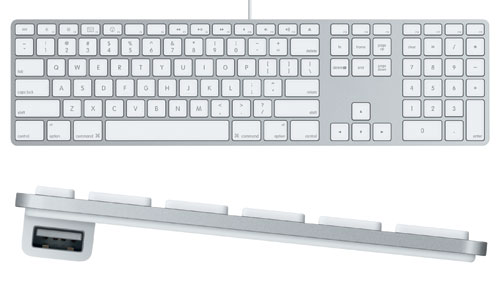
get one of the apple aluminum ones, they work with windows also, the keys are low profiled and the entire unit is very thin and sleek. it takes a little to get adjusted to the keyboard layout, but I love it, and would hate to switch.
 
get one of the apple aluminum ones, they work with windows also, the keys are low profiled and the entire unit is very thin and sleek. it takes a little to get adjusted to the keyboard layout, but I love it, and would hate to switch.

Only thing that sucks is theres no print screen button... as far as i know